Use case · App Store
App Store screenshots.
Every size. One prompt.
The screenshots Apple features are designed, not captured. Screenie’s agent designs benefit-led App Store shots that mirror your real app UI — then resizes the set for every required device, ready to submit.
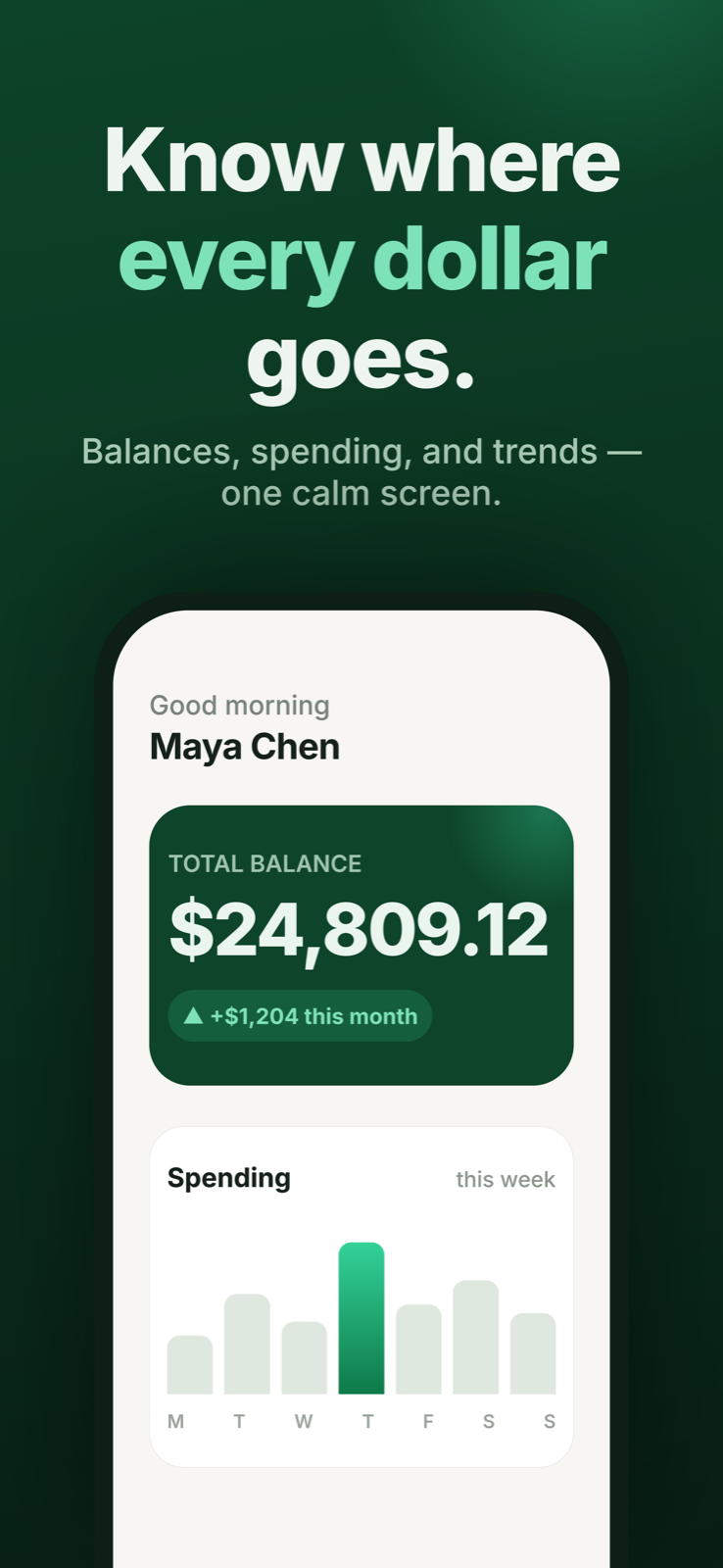
App Store · iPhone 6.9″ (1290×2796) — benefit-led, mirrors the app’s real home screen. · designed in Screenie
How it goes.
1
Link the app
Screen code makes the shots honest — the UI in your screenshots is your actual UI.
2
Prompt the set
“Five shots, benefit-led, bold headlines.” The agent designs the story arc across all five.
3
Resize + export
Every Apple-required size is a built-in format. Export 2× PNGs and submit.
Why it works.
All Apple sizes
6.9″, 6.5″, 6.3″, 6.1″, 5.5″, 4.7″, iPad 13″–9.7″ — formats with exact pixel dimensions.
Honest screenshots
Designs mirror your linked app code, so review-safe shots stay true to the product.
Conversion-first
The agent designs like an ASO designer: instantly readable, benefit-led, thumb-stopping.